


Digitizing is more than scanning. Here are the stages of a successful digitization project.
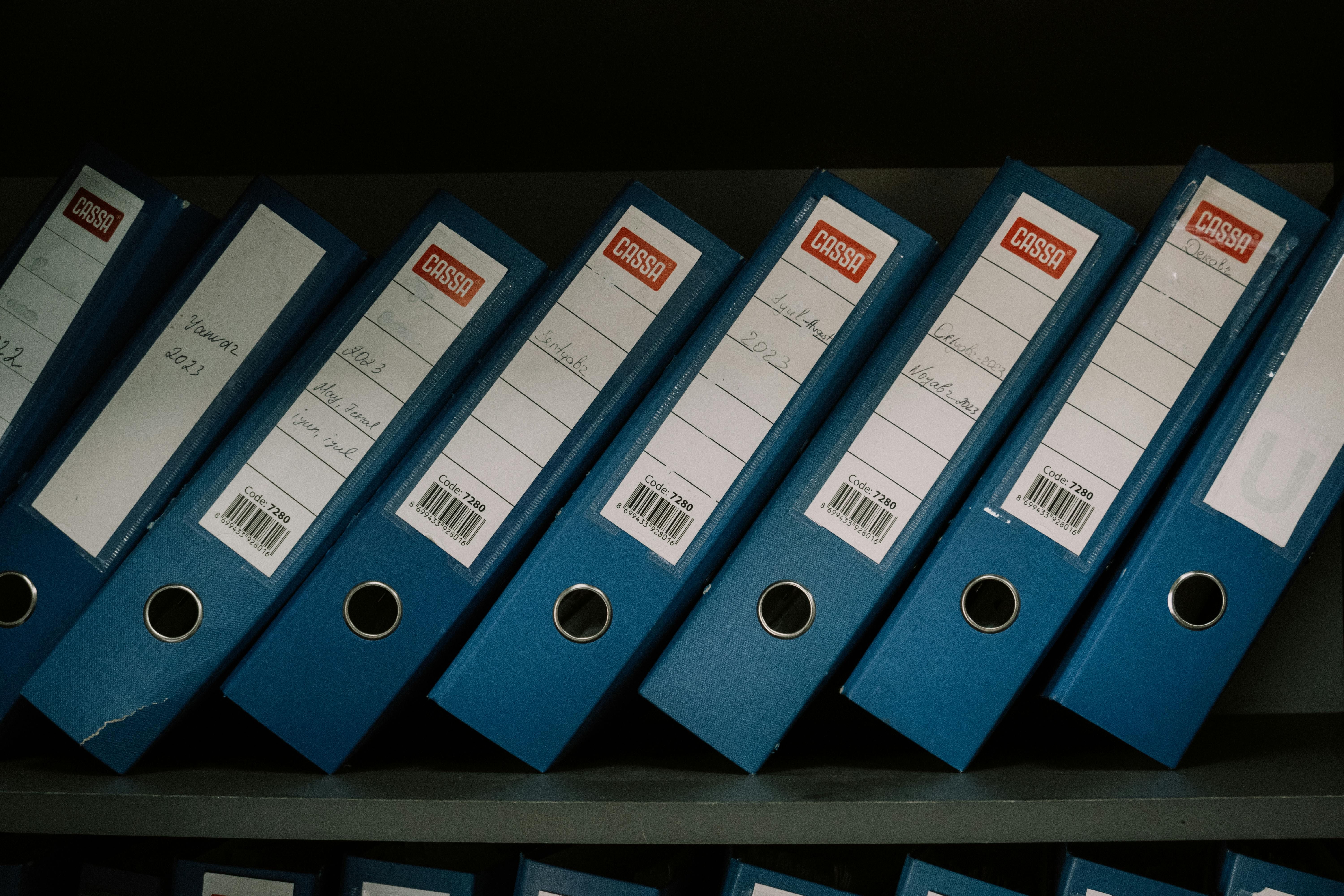
In the era of digital transformation, companies face the constant challenge of managing large volumes of information quickly and securely. Keeping filing cabinets stuffed with paper slows operations, raises storage costs, and exposes the organization to critical data loss. Faced with this reality, document digitization emerges as the definitive solution.
But what does this process really involve, and how can you carry it out professionally without making mistakes? In this article we explain in detail what digitization is, what its competitive advantages are, and the **step by step** for successfully implementing it in your company using cutting-edge technology.
What is document digitization?
document digitization is the process of converting information from a physical format (paper, photos, maps) to a digital format (PDF, TIFF, JPEG files). This is not limited to taking a photo or running a sheet through a common scanner; professional digitization involves capturing, classifying, indexing, and storing files in a structured way within a **document management system (DMS)**.
Thanks to advanced technologies such as OCR (Optical Character Recognition), digitized documents are not just inert images, but files with fully selectable and searchable text. This makes it possible to search for specific terms within a five-year-old invoice in a matter of milliseconds.
Key Benefits of Digitizing Your Archive
Implementing a digitization plan in your company generates an almost immediate return on investment (ROI) through the following benefits:
- Physical space savings: Reclaim valuable square meters of your office that were previously used for shelving and archive boxes.
- Instant search and access: Employees can consult contracts, invoices, or employee files from anywhere in the world and at any time, which facilitates remote work.
- Information security: Digital files can be encrypted and protected with passwords or role-based access permissions, unlike a physical filing cabinet that anyone can open.
- Long-term preservation: Physical paper deteriorates with humidity, the passage of time, or accidents such as fires. The digital archive has cloud backups that guarantee its survival for life.
- Reduced environmental impact: By reducing the use of paper and printers, your company actively contributes to protecting the environment (Zero Paper strategy).
How to Digitize Documents in Your Company: Step by Step
For digitization to be successful and valid, you must follow a structured methodology. Below we present the 5 essential steps:
1. Planning and Archive Classification
Before turning on the scanner, you must define which documents you are going to digitize. It is advisable to start with the most frequently consulted files (such as active invoices, current contracts, and employee files). Also define the indexing rules: which metadata will be associated with each file (for example: date, client tax ID, document type).
2. Physical Preparation of the Documents
This consists of preparing the paper so it can pass through the scanner without jamming or being damaged. This step includes removing staples, fasteners, and clips, unfolding corners, and repairing torn sheets with invisible tape.
3. Professional Capture and Scanning
Scanning is carried out using high-speed (production) scanners configured at the appropriate resolution (generally between 200 and 300 DPI in grayscale or color). At this stage, image processing is applied to improve contrast, correct skew, and automatically remove blank pages.
4. OCR Processing and Indexing
This is the intelligent phase of the process. **OCR** is applied to extract the text, and the indexing metadata is entered or extracted automatically. This will create the index that will make it possible to find the file through quick searches in the future.
5. Storage and Quality Control
The resulting files are uploaded to a secure document manager. A quality audit is performed to verify that all images are legible and that the metadata corresponds exactly to the information in the physical document.
The Key Tool: A Document Management Software (DMS)
Carrying out this entire process and saving the files in local network folders or external hard drives is a serious mistake. Without a search structure, version control, and security policies, digital chaos will simply replace physical chaos.
To manage your digitized archive successfully, you need software like **Dmsiged**. This system allows you to:
- Centralize all of the company's digital documentation in a single secure place.
- Perform semantic and metadata searches in seconds.
- Control who can view, edit, or download each document.
- Automate approval workflows so that digitized documents follow their administrative course without delays.
At Archivos y Sistemas we accompany you along the entire path of digital transformation, from the initial archival consulting and the high-production scanning service to the implementation of the **Dmsiged software** for the intelligent management of your information.